
Liingo Rx Reader5.59.0 - App Store
You'll be able to see results in few seconds.
Publisher Description

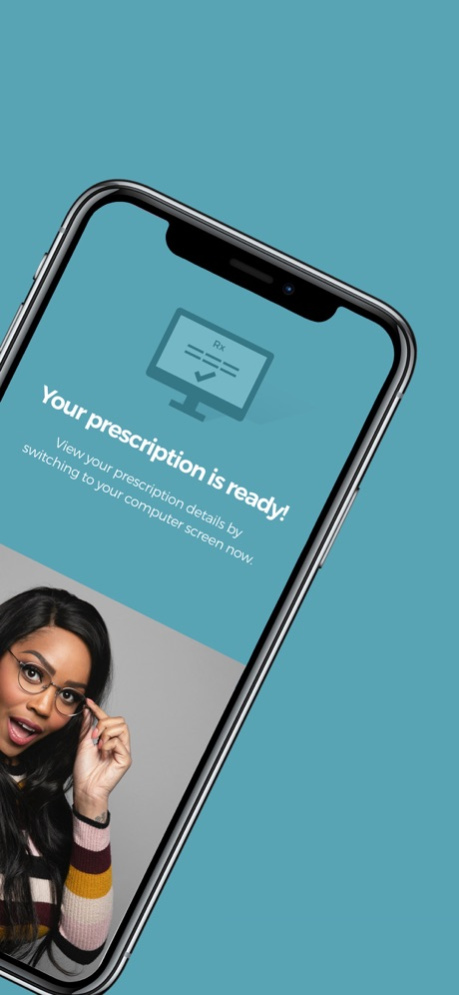
Use the innovative Liingo Rx Reader app to read your vision prescription right off your current glasses. It’s super easy and totally free!
* Get your prescription in minutes — without leaving home
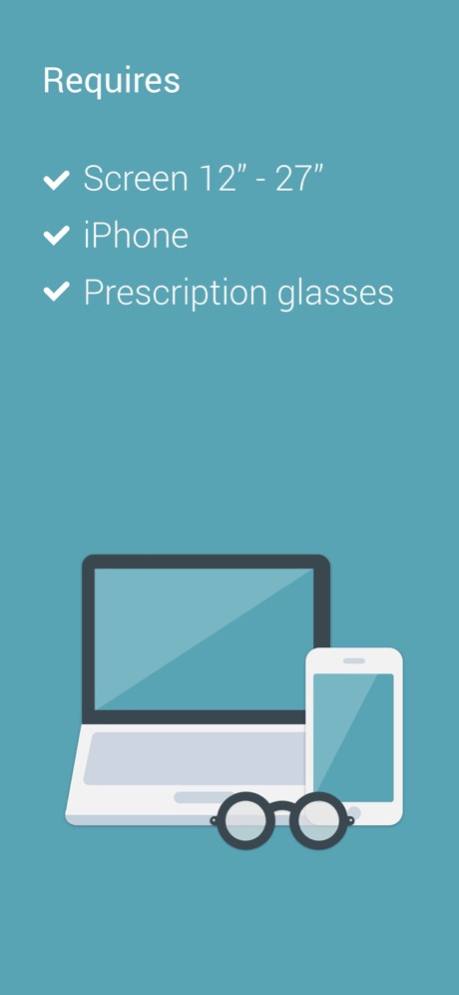
* All you need: your current glasses, a smartphone, a laptop with a camera, and any standard-size magnetic card
* When you’re done, you get a discount code to use at LiingoEyewear.com!
How it works:
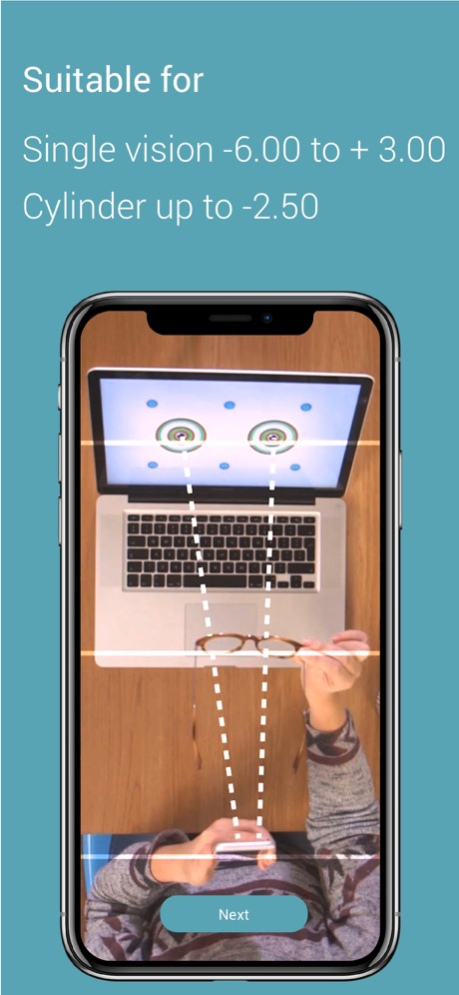
Scan your current glasses using a smartphone, laptop camera, and any standard-size magnetic card.
We’ll tell you your sphere power, cylinder, axis, and pupillary distance (PD).
Is this legit? Of course it is — our results have been clinically tested and proven to be as accurate as standard acceptable lensmeters and PD meters.
You can use the Liingo Rx Reader if you...
- are a healthy individual, 18 years or older
- have stable vision and are happy with your current prescription
- have a single-vision prescription
- have a sphere measurement between -6.00 and +3.00
- have a cylinder measurement that does not exceed -2.50
You can’t use the Liingo Rx Reader if you...
- wear progressive, multifocal, or bifocal lenses
- have a prescription that includes a prism measurement
- take any medication that affects your vision
- have any illness or condition that affects eye health (rely on your eye doc for that!)
Look — this app definitely doesn’t replace your eye doctor. It’s important to have an eye exam every 1 or 2 years, even if you aren’t experiencing vision problems. Liingo Rx Reader is designed to help with all those times in-between exams when you simply want to verify your prescription, or order new glasses online.
Who are we?
Liingo Eyewear offers a curated collection of premium-quality eyewear that’s affordable, easy to order, and fun to wear. Our stylin’ frames start at just $79 and include high-quality, single-vision polycarbonate lenses for free, with the same (or better) quality than you might get from your optician. Over on our site, you can use our virtual try-on tool for a realistic idea of how you’ll look in hundreds of styles, or order 5 pairs of glasses to try on at home — all completely free.
Dec 9, 2024
Version 5.59.0
Minor bugs fix
About Liingo Rx Reader
The company that develops Liingo Rx Reader is 1-800 CONTACTS, Inc.. The latest version released by its developer is 5.59.0.
To install Liingo Rx Reader on your iOS device, just click the green Continue To App button above to start the installation process. The app is listed on our website since 2024-12-09 and was downloaded 0 times. We have already checked if the download link is safe, however for your own protection we recommend that you scan the downloaded app with your antivirus. Your antivirus may detect the Liingo Rx Reader as malware if the download link is broken.
How to install Liingo Rx Reader on your iOS device:
- Click on the Continue To App button on our website. This will redirect you to the App Store.
- Once the Liingo Rx Reader is shown in the iTunes listing of your iOS device, you can start its download and installation. Tap on the GET button to the right of the app to start downloading it.
- If you are not logged-in the iOS appstore app, you'll be prompted for your your Apple ID and/or password.
- After Liingo Rx Reader is downloaded, you'll see an INSTALL button to the right. Tap on it to start the actual installation of the iOS app.
- Once installation is finished you can tap on the OPEN button to start it. Its icon will also be added to your device home screen.
Program Details
System requirements
Download information
Pricing
Version History
version 5.59.0
posted on 2024-12-09
Dec 9, 2024
Version 5.59.0
Minor bugs fix
version 5.58.0
posted on 2024-11-19
Nov 19, 2024
Version 5.58.0
Bug fix
version 5.57.0
posted on 2024-10-14
Oct 14, 2024
Version 5.57.0
Minor bug fix
version 5.56.0
posted on 2024-09-30
Sep 30, 2024
Version 5.56.0
Minor bug fix
version 5.53.0
posted on 2024-08-03
Aug 3, 2024
Version 5.53.0
Minor bug fix
version 5.51.0
posted on 2024-06-09
Jun 9, 2024
Version 5.51.0
Minor bug fix
version 5.49.2
posted on 2024-05-05
May 5, 2024
Version 5.49.2
Minor bug fixes
version 5.43.4
posted on 2023-07-05
Jul 5, 2023
Version 5.43.4
Minor bug fix
version 5.43.0
posted on 2023-05-22
May 22, 2023
Version 5.43.0
Minor bug fixes.
version 5.40.0
posted on 2023-03-26
Mar 26, 2023
Version 5.40.0
Minor bug fix
Disclaimer
Official App Store Link
We do not host Liingo Rx Reader on our servers. We did not scan it for viruses, adware, spyware or other type of malware. This app is hosted by Apple and passed their terms and conditions to be listed there. We recommend caution when installing it.
The App Store link for Liingo Rx Reader is provided to you by apps112.com without any warranties, representations or guarantees of any kind, so access it at your own risk.
If you have questions regarding this particular app contact the publisher directly. For questions about the functionalities of apps112.com contact us.
